How it works
Set it up in a minute. Enjoy it every day.
Topicly is built around one simple ritual: a short, personal discovery a day. Here is how it works, step by step.
 01
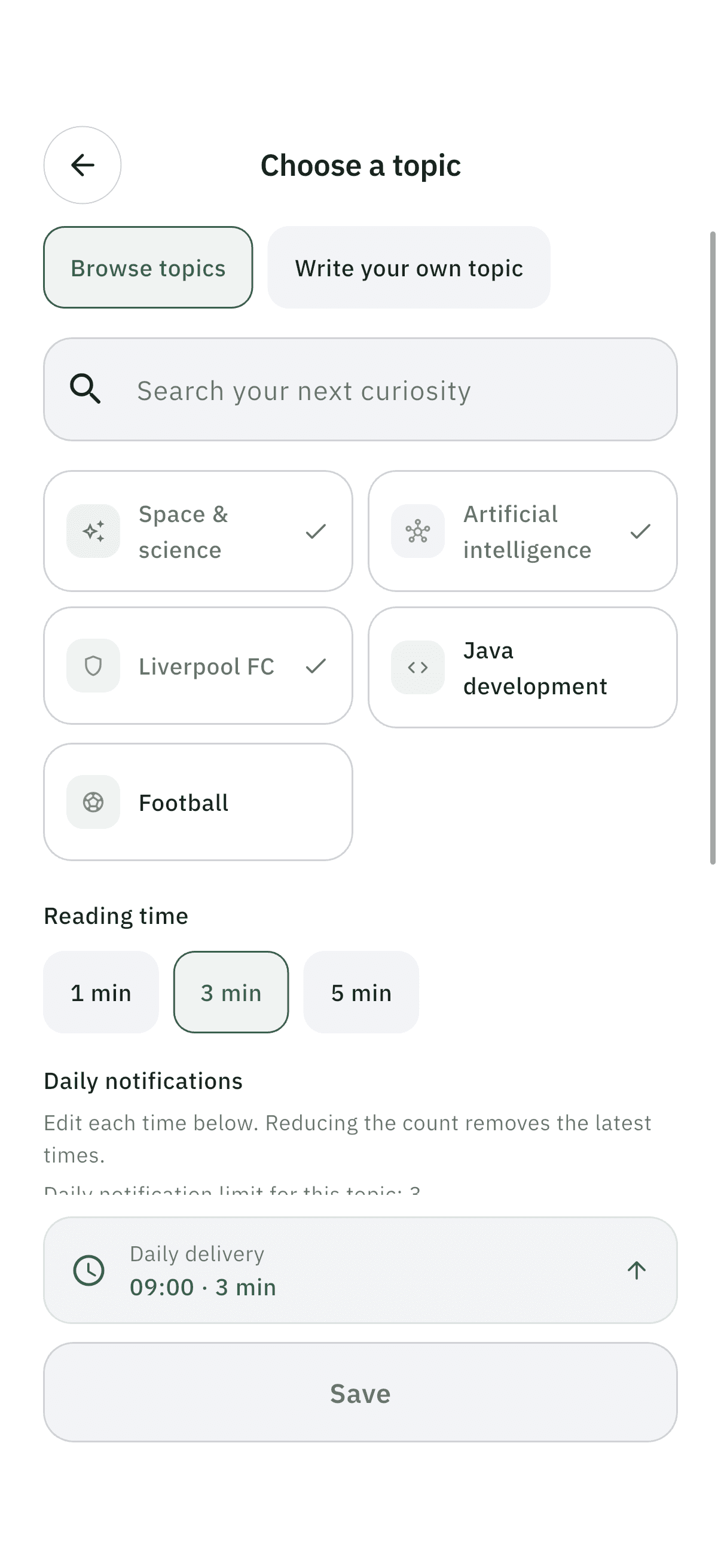
01Download Topicly and choose your topics
Open the app and tap Add topic. Pick from the catalog — Space, AI, Finance, Health, Cinema, Football, Java or Liverpool FC — or choose “Write your own topic” and describe any interest in 3–200 characters.
 02
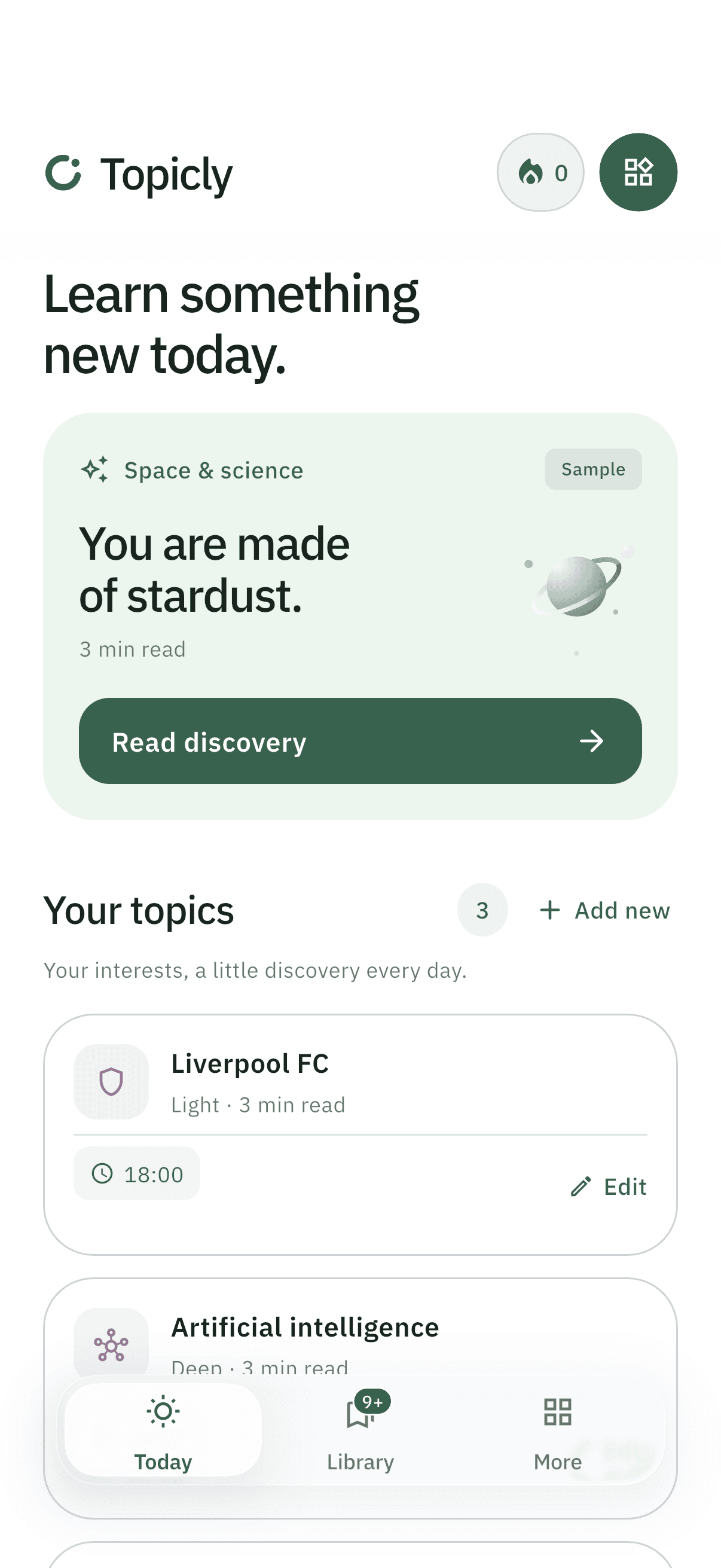
02Set depth, reading time and moments
Decide how deep each topic should go, how many minutes you want to spend, and when you want to hear from it. Balanced depth, a three-minute read and a morning time are sensible places to start.
 03
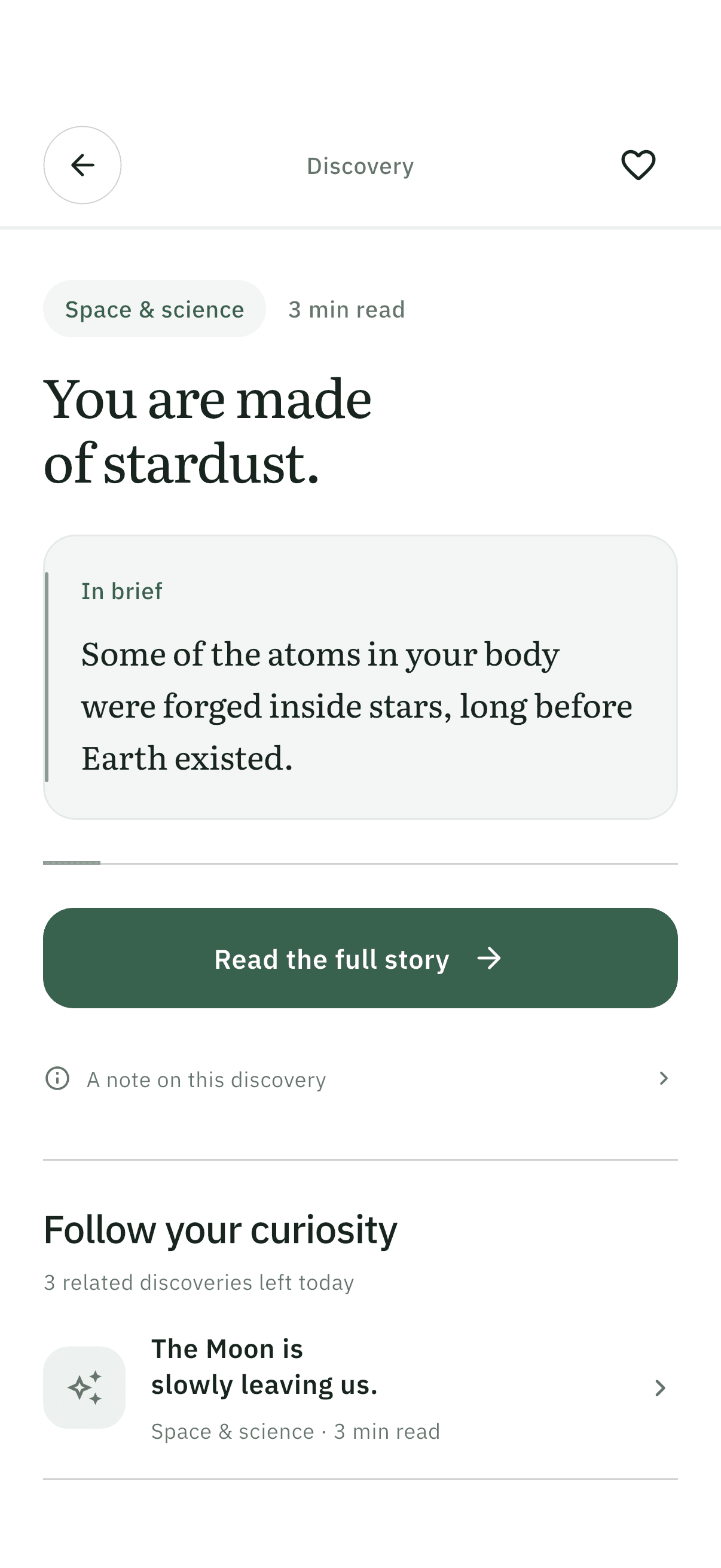
03Read today’s discovery
Each day, a short, AI-prepared discovery is waiting on the Today screen, in a notification or on your home-screen widget. Read it in a focused reader and save anything you love.
- Quick quiz · 2 of 3
Where were most heavy elements in your body made?
In Earth’s coreInside stars✓In the Moon’s crustRight! Stars fuse light elements into heavier ones and scatter them when they die.04Lock it in with three quick questions
Answer three questions on what you just read, and try “Today’s questions” for a bigger daily set per topic. Answering questions from memory is one of the most reliable ways to remember what you learn.
 05
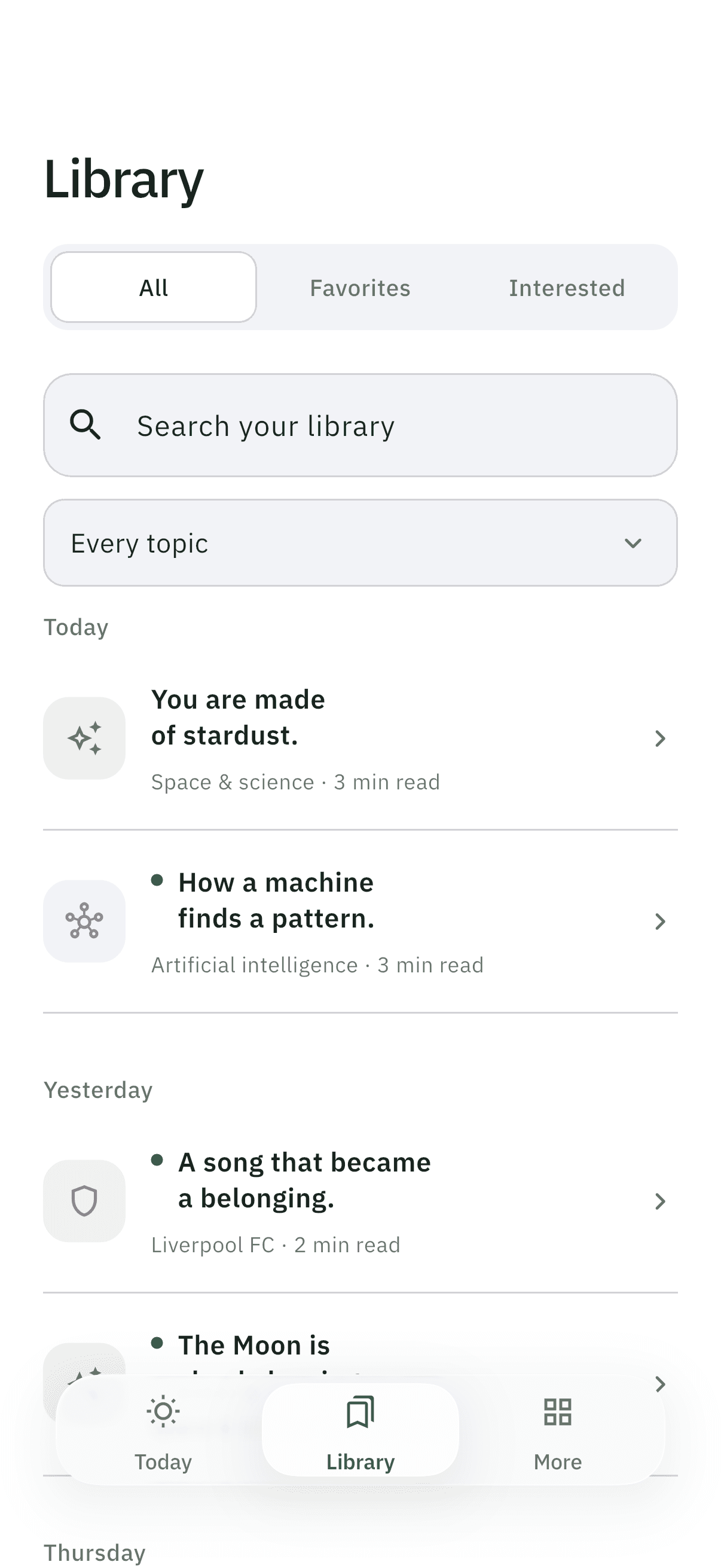
05Build your library, day by day
Everything you read lands in your Library, organized by topic, with favorites one tap away. A gentle streak celebrates each day you show up.
A little more curious, every day.
One short discovery a day on the topics you love. Free to start on iPhone and Android.